Ask your AI for caviar: Kaviár Dům now has an MCP server
An AI assistant can now find products in our shop, work out delivery and prepare a whole order. You confirm and pay, on the site, as usual.
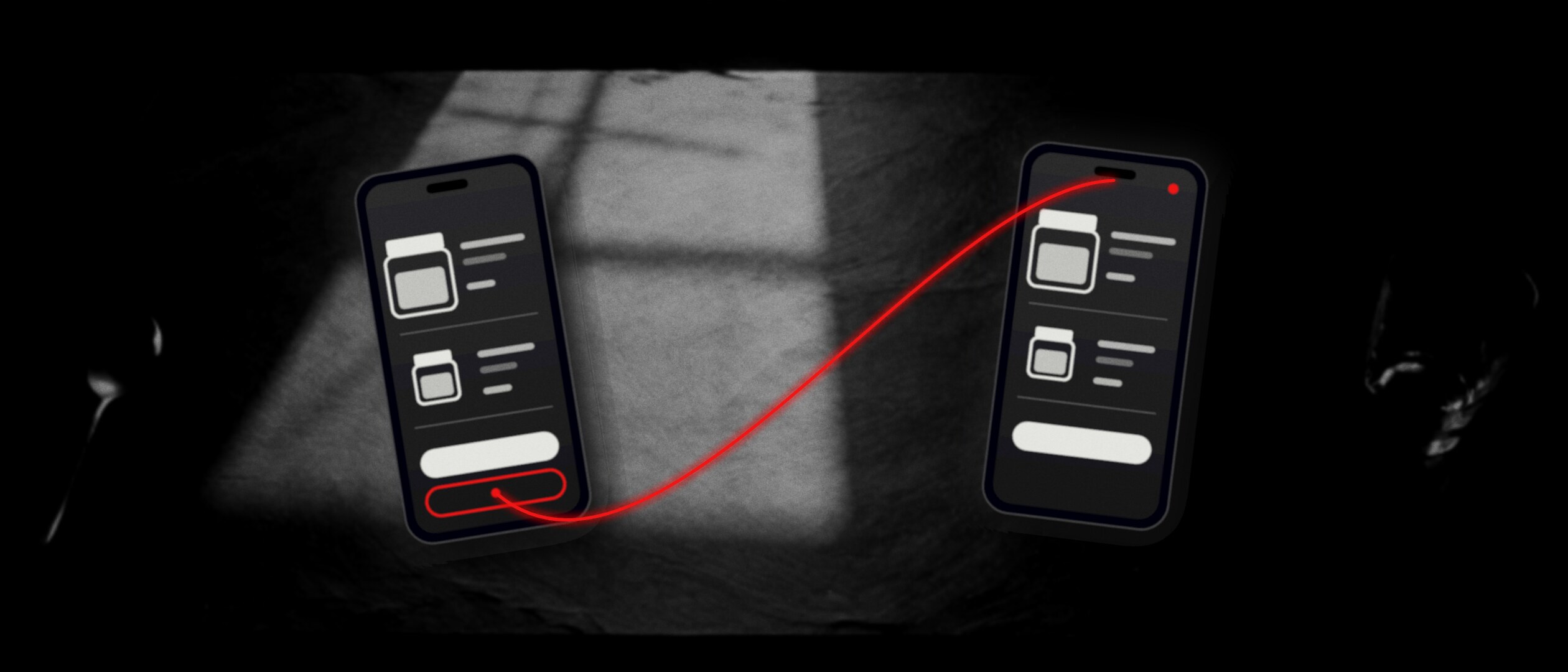
Today we sent Claude one line: “červený kaviár pro 4 lidi, do 2 000 Kč, doručení Praha 4” (red caviar for four, up to 2,000 Kč, delivery to Prague 4). On its own it picked the Mix tasting set 4 × 100 g (chum, pink salmon, coho and trout), worked out that the Prague courier is free for that cart, found the nearest delivery window and sent a link to a ready cart.
It did not guess. It asked our shop directly.
What MCP is
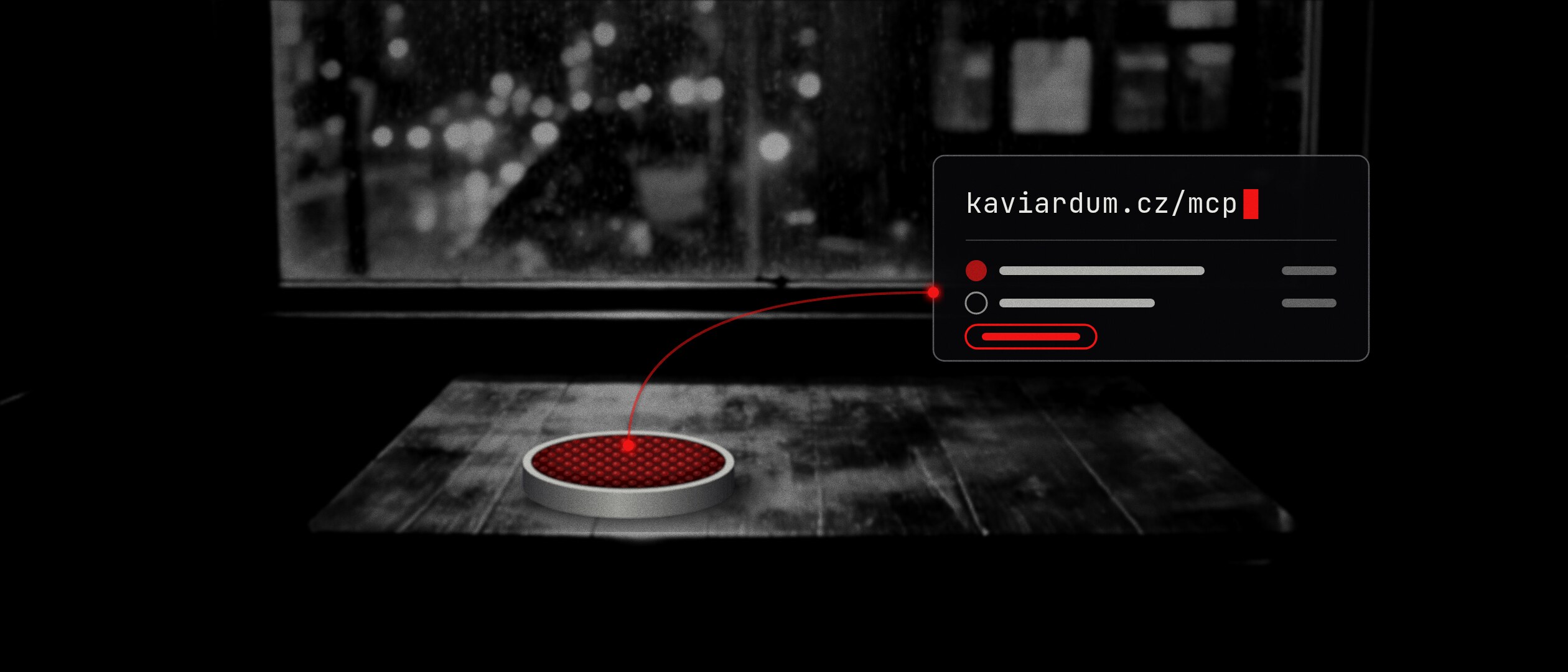
MCP (Model Context Protocol) is an open standard that lets AI assistants connect to services. Since 28 November Kaviár Dům has its own MCP server at https://kaviardum.cz/mcp.
The server is published in the official MCP registry as cz.kaviardum/shop. We are the first caviar shop in the Czech Republic in the official MCP registry.
What an assistant can do
- find products with current prices and availability,
- read a full product page,
- work out delivery for your postcode (PSČ): Prague courier with time windows, chilled delivery across the Czech Republic, or pickup,
- give you a link to a ready cart,
- prepare a whole order: products, contact details, address, delivery and, if you like, the payment method,
- check later whether the order has been placed and paid.
A whole order
You can now dictate the entire order to the assistant. We tried that too: we asked Claude for two jars of Classic Gold and gave it a name, e-mail, phone and a Prague address, a courier for tomorrow evening and payment by card. Claude found the product, noticed on its own that Classic Gold comes in two weights, and offered two links to choose from.
The link opens the ordinary kaviardum.cz checkout with everything already filled in, down to the courier “tomorrow 18:00–21:00”. You check it, tick the terms box and press “Place order”. The order is created only at that moment.
Whatever the assistant does not know, you add on the page yourself. The link is valid for 24 hours.
What it does not do
It does not order and it does not pay. You confirm and pay, on the site, as usual: by card, Apple Pay, Google Pay or bank transfer.
The assistant needs no account and no password.
How to connect it
In Claude, open the settings, go to the connectors section, add a custom connector and paste https://kaviardum.cz/mcp.
In ChatGPT a connector is added through developer mode. Both apps rename their menu items from time to time, so we are not quoting them word for word.
And yes, this article carries tomorrow's date. It is not a mistake. We are slightly ahead.
Products for this article

Mix tasting set 4 × 100 g
2,120 Kč 1,802 Kč 4,505 Kč / kg